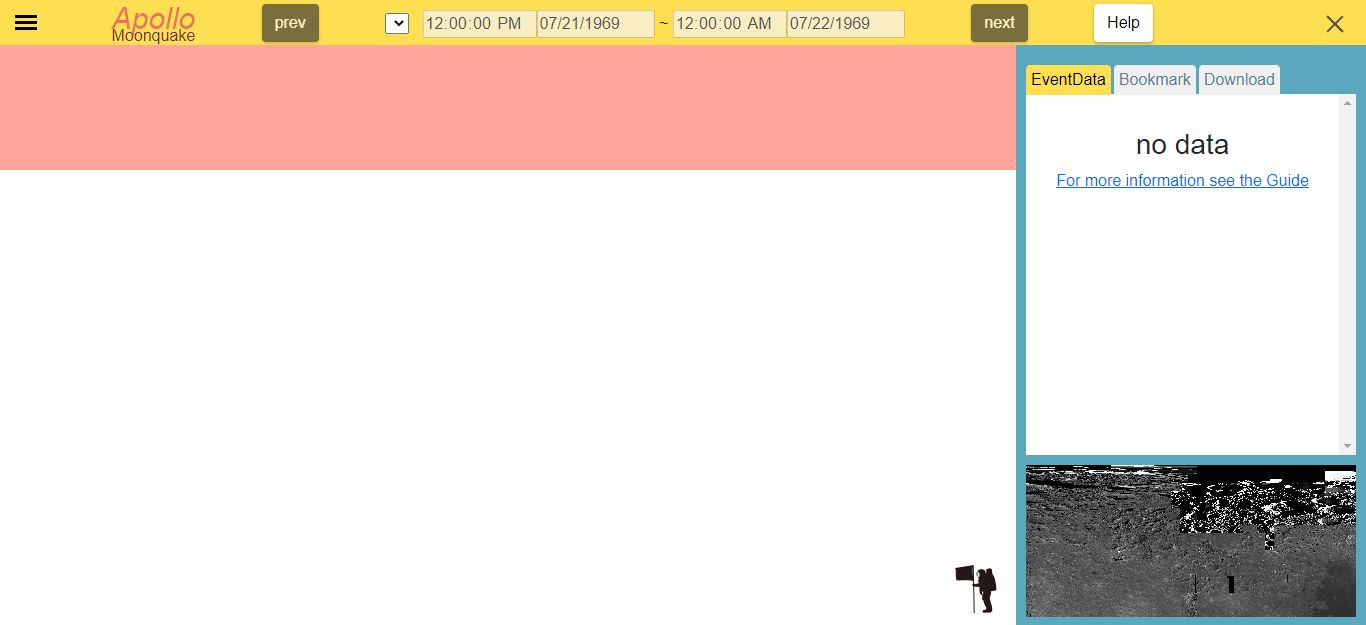
Detail bar
1. event data
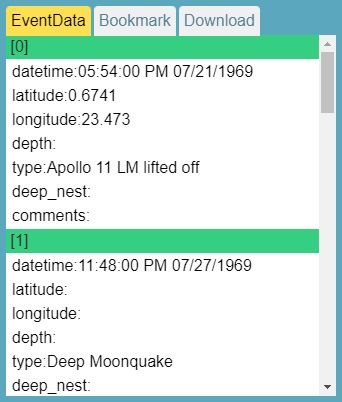
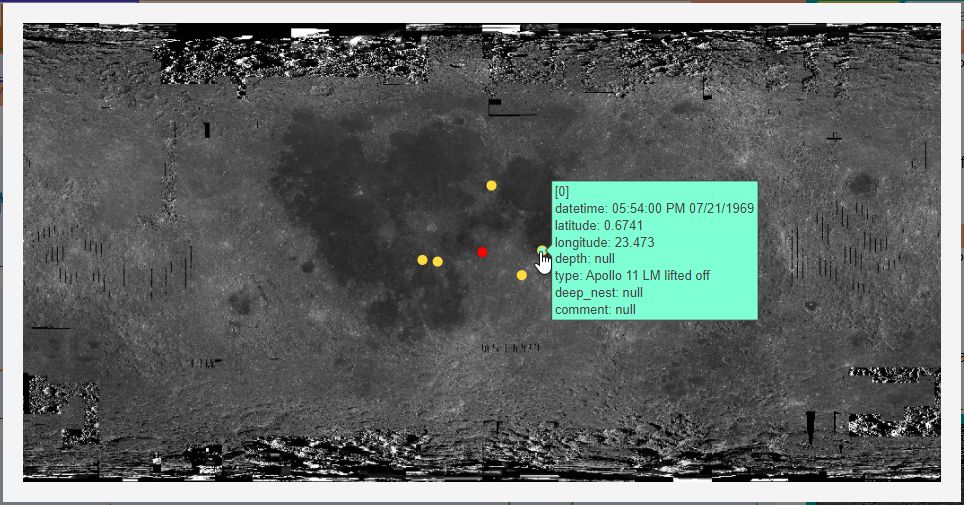
The searched event data is based on the search time. Clicking on the event data will change the graph. The event number shown in the table header corresponds to the event point shown in modal on the lunar image.
2. bookmark
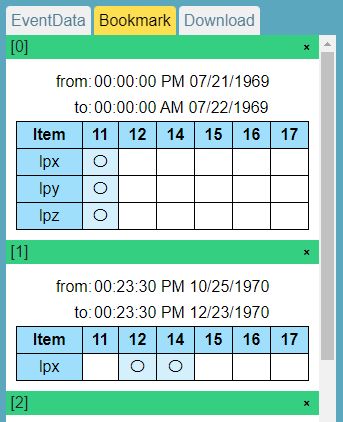
This is the tab where bookmarks are displayed. You need to bookmark it in the search bar beforehand. Clicking on a bookmark will start a search based on the cookie. To delete a bookmark, click the delete button in the upper right corner. Bookmarked data is stored in a cookie and is valid for one month. For more information about bookmarks, please see the search bar page.
3. download CSV or D5A
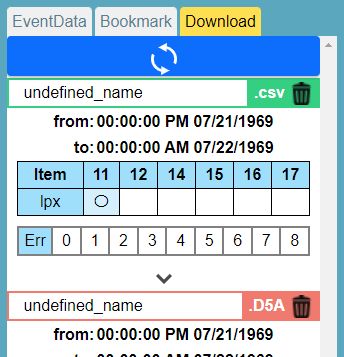
This tab allows you to download the CSV or D5A. You need to submit a download request from the download button in the search bar or range searched download from the graph in advance, and click the reload button at the top to change whether the CSV and D5A is ready for download. A file that is inconsistent between the request information held by the user and the data held by the server will be failed. If you want to delete the list of downloaded CSVs or D5As, click the Close button on the right. The cross mark is for partial deletion and the trash can mark is for bulk deletion. Requests to create CSVs or D5As are stored in local storage and are valid for one month.
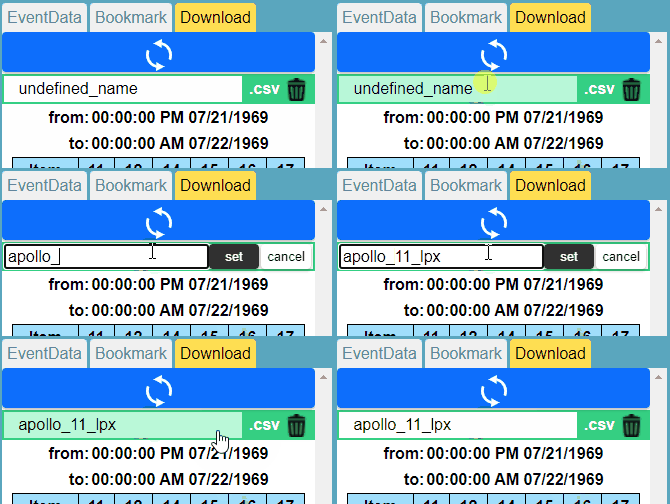
To rename the data to be downloaded, click on the header of each listing in the download tab. The header will then turn into a text area where you can rename it.
4. Moon surface
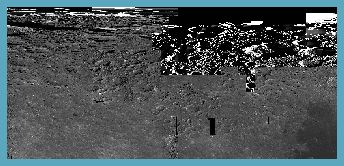
Clicking on the image will open a modal that displays a larger image of the lunar surface. If latitude and longitude are available, the event data will be plotted on the lunar image. While the mouse cursor is on the event point, the event data will be displayed. To close the modal, click anywhere.