Header
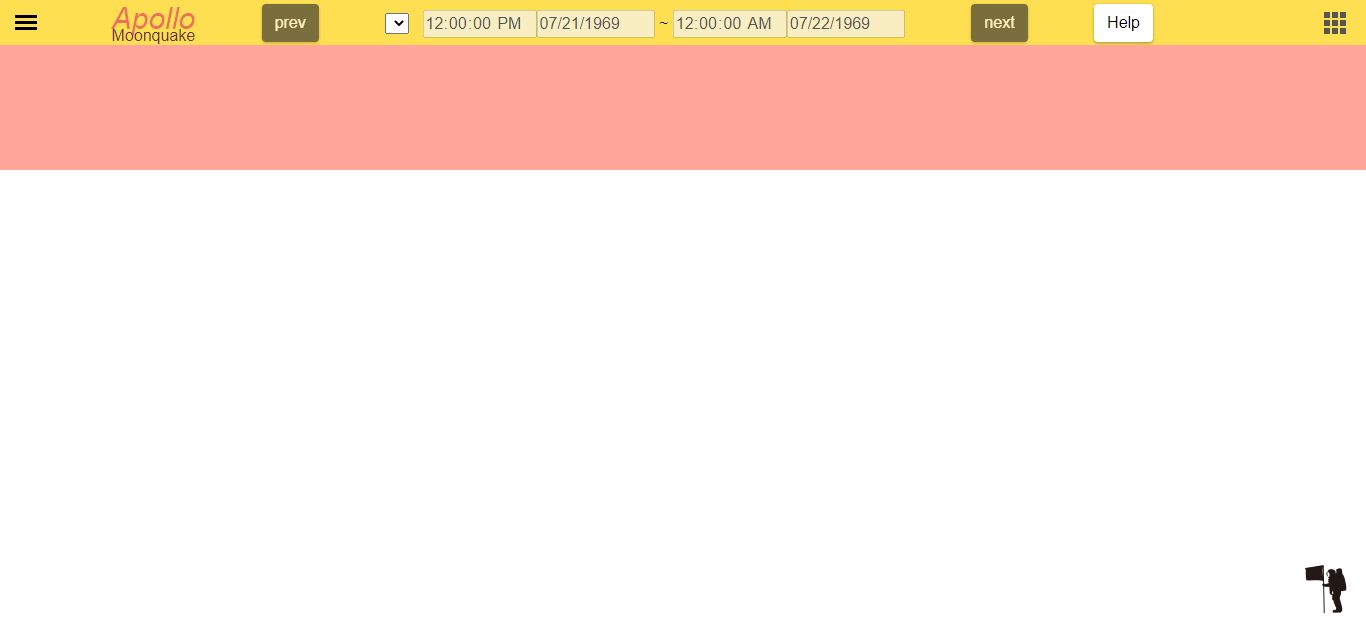
1. search bar


This button is used to open the search bar. When the symbol is a cross, the search bar is open. Conversely, when the hamburger menu is displayed, it means that the search bar is closed. For more information on the search bar, refer to the search bar page.
2. home
Clicking this button will take you to the welcome page. This is useful for resetting the system.

3. prev

This button will work after the search. You can search for the previous period using the same search range. In this search, plot data may not be displayed if the retrieved data exists outside the display area.
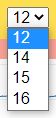
4. select Apollo number
If there are more than two Apollo data in the period you searched, you can change the guide graph. Data for which the request went through but does not exist will not be included in this list.
5. searched time

Displays the period of the searched graph.
6. next
This button works after the search. You can search for the next period using the same search range. As with the prev button, if there is data outside the display area, the plot data may not be displayed.

7.help

It shows this help page.
8. loading animation
The Moon rotates during loading. The Moon rotating clockwise means accessing the server. Conversely, the Moon rotating counterclockwise means making a graph.

9. detail bar


This button is used to open the detail bar. When the mark is a cross, the detail bar opens. Conversely, a closed symbol is the bento menu. For more information on the detail bar, refer to the detail bar page.